
Webhint is a customizable linting tool that helps you improve your site’s accessibility, speed, cross-browser compatibility, and more by checking your website http header and html code for best practices and common errors.
It can be run from the command line (CLI), via a browser extension, as a VS Code extension, and from the online service.
To use it from the CLI you will need to install Node.js (v14.x or later) on your machine, and you can use npx to test it.
How to use:
Testing with npx
Run the following command:
npx hint https://example.com
This will analyze https://example.com using the default configuration.
The result will generate an HTML report file on your computer, as shown below
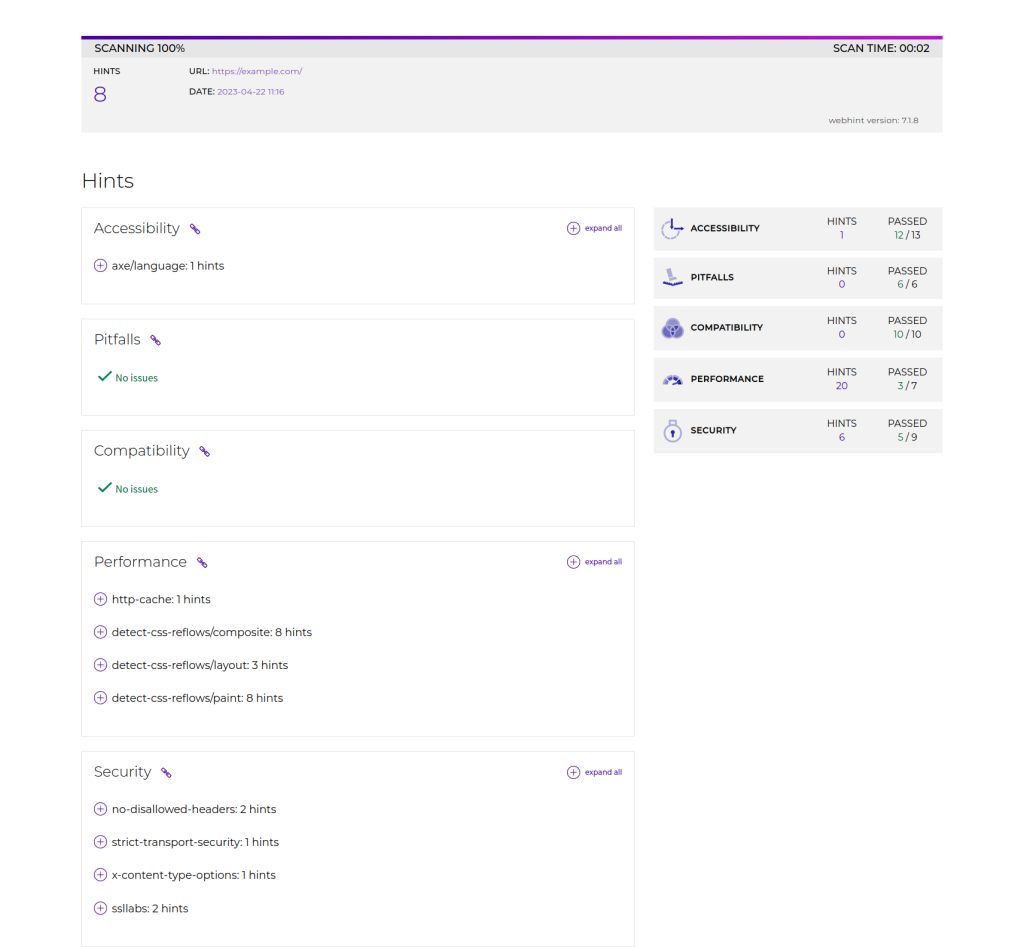
From accessibility, pitfalls, compatibility, performance, security 5 aspects all in detecting website problems. And make a fix tip.
You can follow its repair tips to fix various problems of the website.
Leave a Reply